Blog>Trade>Finance>How to fill out a sole trader self-assessment
Last updated: 17 January 2024

How to fill out a sole trader self-assessment
Looking to complete your sole trader self-assessment without an accountant? Just read on!
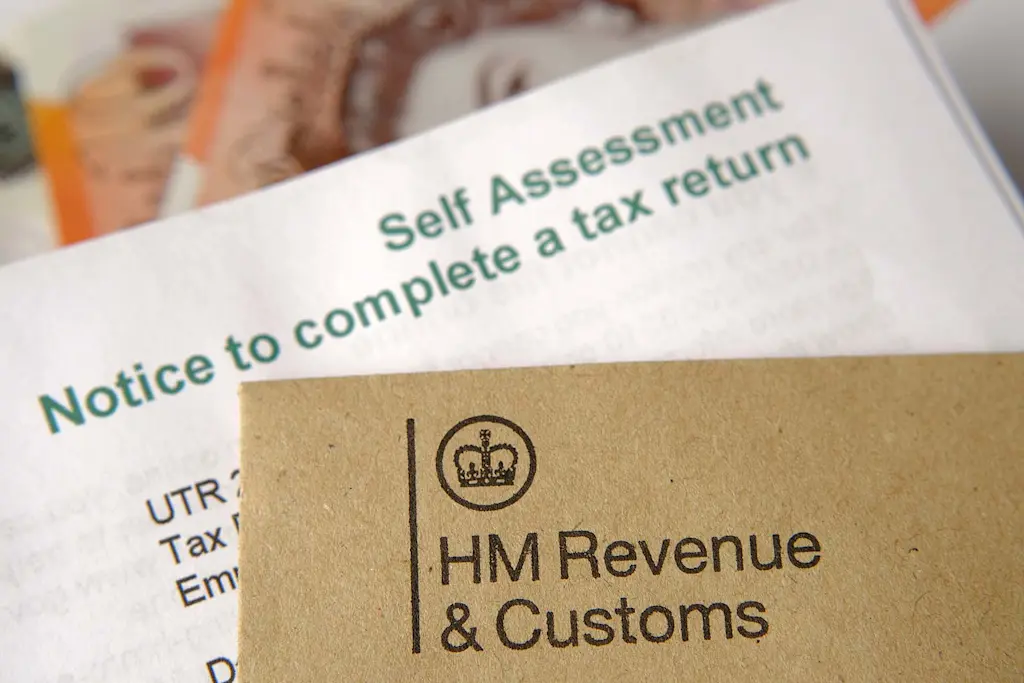
First, register for a sole trader self-assessment form
If you’re a sole trader, you’ll have to file a self-employed tax return every year to notify HMRC of your earnings. To do this, you’ll need to register for a self-assessment as a sole trader.
If this is your first year of filing a tax return, you’ll need to register for both self-assessment and Class 2 National Insurance.
Registration must be completed by the 5th of October in your second tax year. Otherwise, you could be fined if you don’t meet this deadline.
You can register for self-assessment using your business tax account. Remember, you'll need a Government Gateway User ID and password to access this.
If you don’t have this information, you’ll be able to create a User ID online. Once you have done this, you will receive a letter within 10 days containing your Unique Taxpayer Reference (UTR).
Use your UTR to set up a Government Gateway account
Your Unique Taxpayer Reference is essential when filling out a sole trader self-assessment. You'll automatically be sent a letter by post containing your UTR.
Your UTR is a 10-digit number assigned to you. It lets you identify yourself when completing a self-assessment.
If you can’t find or access your UTR, HMRC can assist. Information on retrieving lost UTR numbers can be found on the government website.
Once you have your UTR, you can prepare all the information you need to complete your self-assessment.
When is the deadline for a sole trader self-assessment?
Self-assessment tax returns can be completed on paper or online. For paper tax returns the deadline is midnight on the 31st of October (for the current calendar year).
For online tax returns, the deadline is midnight on the 31st of January (following calendar year). Online tax returns provide greater flexibility and have a later deadline.
For this reason, we’d recommend filing your self-assessment online (if possible).
Need help with your business essentials
Save on a range of supplies, materials, tools and more!
Ensure you have all the required information before starting
Before you start filling in your self-assessment, you must have certain information available. There are a lot of sections to fill in. So, having all of your finances to hand helps this process easier.
To complete the self-assessment, you will need (if applicable to you):
Your UTR
Your National Insurance Number
Full income details: P60, P45, P11D form, P2 coding notice
Details of any business-related expenses
Information on any rent received
Bank interest details
Overseas income
Income received from a partnership
Details of dividends received
Capital gains information
State taxable benefits received
Gift Aid contributions
Pension contributions
Tax payments already paid
But, you might not have received overseas income or made any pension contributions. So, these sections in the list above won’t apply to you.
All information you submit should only refer to the previous tax year. This will be from the 6th of April of the previous year to the 5th of April of the current year.

Checkatrade members get more for their money
Enjoy exclusive deals with a range of suppliers
Complete the sections that apply to you
Self-assessment tax forms may seem daunting. It’s important to remember, however, that you only need to complete the sections that apply to you and your business activity.
For example, from the list above, you may not have received overseas income or made any pension contributions, so these sections will not apply to you.
Comprehensive guidance is provided by HMRC alongside the self-assessment form. This information is useful to understand what information is required from you.
Follow the steps, read the requirements carefully and take your time.
Submit your self-assessment tax return
It is important that you carefully complete your self-assessment tax return. Take your time to re-check all the information is correct before submitting.
With online tax returns, you can save the information as you go and edit the form where necessary. Once you're happy that all the information is accurate and complete, you can press submit.
Then what happens?
When you submit your self-assessment tax return you will receive confirmation from HMRC including a code number. Keep a note of this number for future reference.
Once your tax return is received by HMRC, they will immediately calculate how much tax you owe. The deadline for paying any tax from the previous year’s earnings is 31st January.
If your payment is late, you will be charged interest on the amount owed and may receive a fine.
Need help with your business essentials
Save on a range of supplies, materials, tools and more!
Pay your tax return
Payment methods for your tax return vary on the time you require the payment to take. You can pay your owed tax amount in the following ways:
Same-day or next-day payment:
Online banking
Telephone banking
CHAPS (Clearing House Automated Payment System)
Debit or corporate credit card
At a bank or building society
Within 3 working days:
Bacs
Direct Debit (this must have been previously set up with HMRC)
Postal cheque
Within 5 working days:
Direct Debit (if not already set up with HMRC)
Keep a record of your tax returns
Keeping a record of your tax returns will give you easy access to any information if required. If HMRC decides to investigate a tax return, you will need evidence of receipts, bank statements etc. as proof of earnings and deductions.
As a sole trader, you should keep records of your tax returns for at least five years.
Checkatrade members get more for their money
Enjoy exclusive deals with a range of suppliers
Self-assessment FAQs
Can I do a self-assessment myself?
Yes, you can. Although, if you need support with your tax return then someone to help with your bookkeeping may not be a bad idea!