HOW-TO GUIDES
How to install a smart lock: and when to call a locksmith
Updated 10/26
By: Olivia Scammell
Reviewed: Emma Potter
Thinking about swapping your door keys for a smart lock?
Many models are designed for DIY fitting on a standard door, but the right choice depends on your door, your existing lock and your insurance.
Here's a step-by-step guide on how to fit one - and when bringing in a checked locksmith makes more sense.
How a smart lock works
Whether your door suits a smart lock
How to fit a smart lock step-by-step
When to hire a locksmith instead
What drives smart lock installation costs
How to keep your smart lock secure
How does a smart lock work?
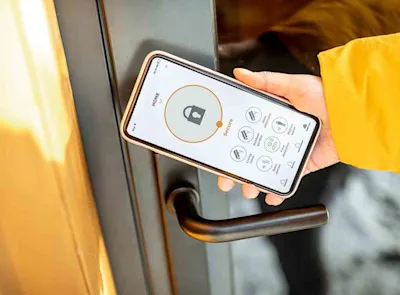
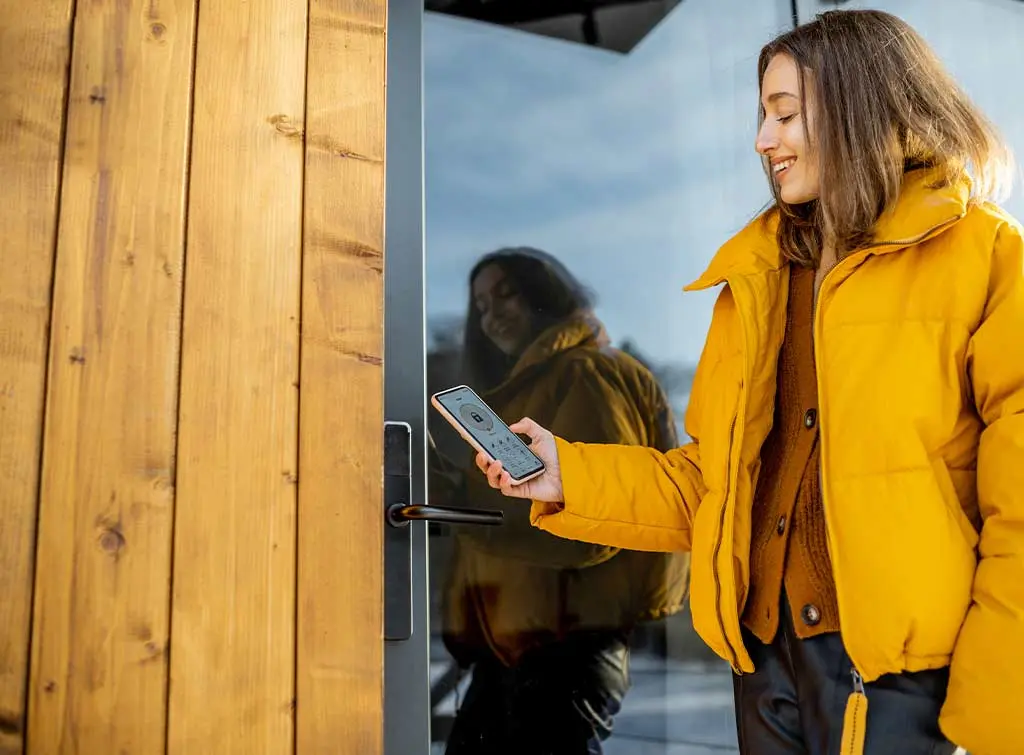
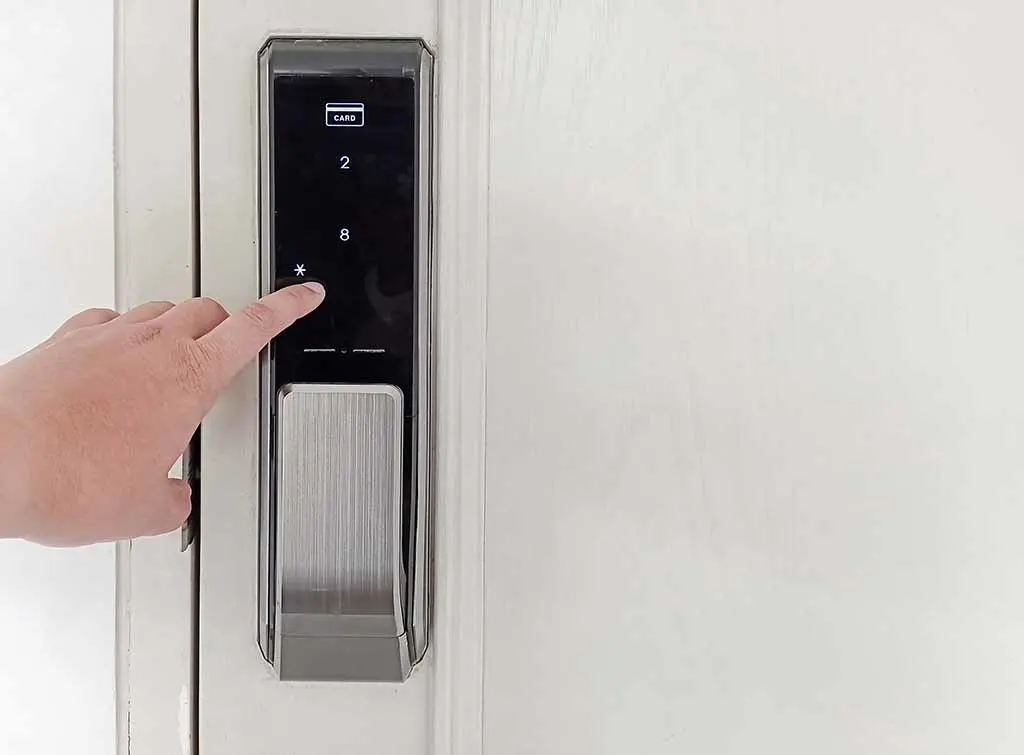
A smart lock replaces or adds to your existing lock so it can be operated without a traditional key. You control it with a smartphone app, a keypad, a fingerprint reader, a key fob or a voice assistant, depending on the model.
Most smart locks connect to your phone using Bluetooth or wifi. A wifi connection (or a separate hub or bridge, on some models) lets you lock and unlock the door remotely, which is handy if you ever wonder whether you left it unlocked.
Many models also offer:
Temporary or one-off access codes, for a cleaner or dog walker
Automatic locking after a set time
Activity logs showing when the door was locked or unlocked
Links to smart home systems such as Amazon Alexa or Google Home
Is your door suitable for a smart lock?
Smart locks come in a few types, and not every type fits every door. The main approaches to installing one are:
Cylinder replacement: Swaps your existing euro cylinder for a smart one. Common on uPVC and composite doors
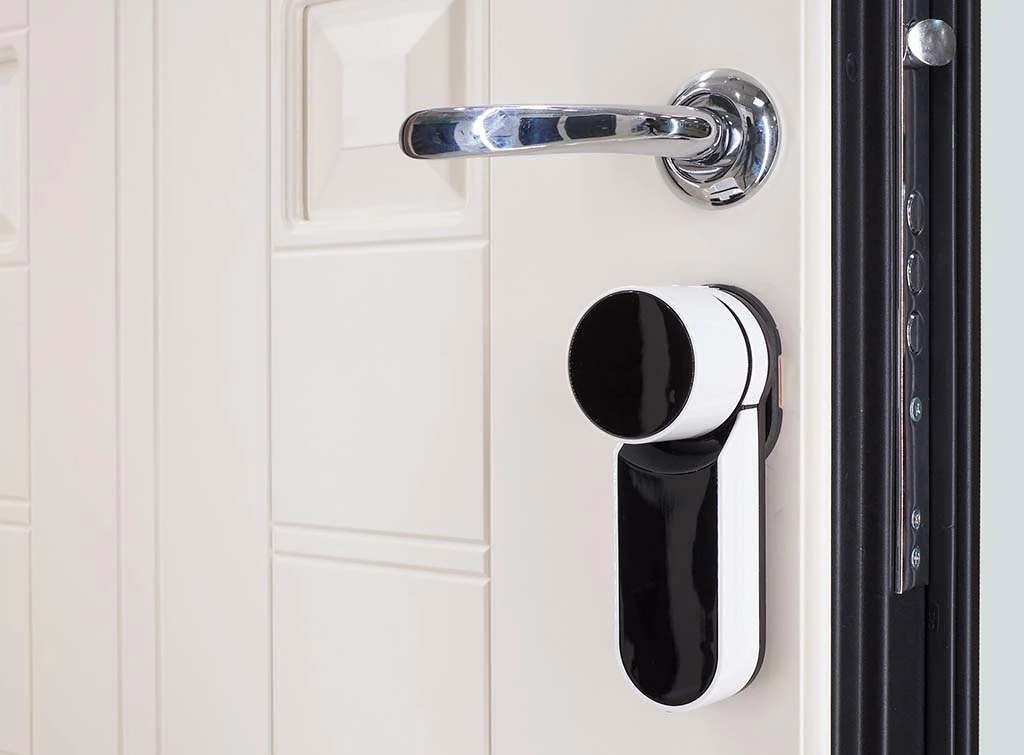
Retrofit (over the existing lock): Fits over the inside of your current lock and operates the existing mechanism, so the outside stays as it is
Full replacement lock: Replaces the whole lock body, typically on timber doors
First things first, you'll need to measure your door thickness and check your cylinder size and lock type against the manufacturer's compatibility guide.
Manufacturers usually supply different fixing packs for different door thicknesses, so the measurement matters.

Not sure which lock suits your door? Our guide to keyless door locks explains the options, and our locksmith hub brings everything together in one place.
How to install a smart lock
If you are confident with basic DIY, you can follow these steps. Always put the manufacturer's instructions first, as every model is fitted slightly differently.
What you need:
Your smart lock and everything in the box (fixing packs, batteries, keys)
A screwdriver set, tape measure and pencil
A drill, if the instructions call for it
Your phone, with the lock's app downloaded
A dust sheet to protect the floor
Check your home insurance policy before changing the lock on an external door. Many insurers ask for locks that meet British Standard BS 3621 (or an equivalent standard) on external doors. Not every smart lock does, so confirm with your insurer and check the product details before you buy.
Step-by-step smart lock installation
1. Read the instructions first
Check you have the correct fixing pack for your door thickness before you remove anything.
2. Keep the door open
Leave the door open throughout, and keep the old key to hand, so you cannot lock yourself out.
3. Remove the existing lock or cylinder
Unscrew the fixings and take out the old lock or cylinder following the instructions (our guide to changing a uPVC door lock shows how to remove a euro cylinder). Do not drill out a lock unless the manufacturer says to.
4. Check the fit
Compare the new lock against your measurements, such as the cylinder length and the distance from the lock to the edge of the door.
5. Fit the new lock
Attach the lock, mounting plate or cylinder as shown in the guide, and fit the batteries.
However, if your smart lock needs hardwiring into your home's electrical supply, it's best to call a qualified electrician rather than attempt the wiring yourself.


Need reassurance? All tradespeople pass up to 12 checks before joining, and we keep checking after.
No hardwiring needed? Then continue with the steps below.
6. Pair it with the app
Follow the app's set-up steps to connect the lock to your phone, and to your wifi or hub if the model uses one.
7. Test it with the door open
Lock and unlock several times using the app, keypad and key. Check the bolt moves freely and lines up with the strike plate.
8. Test it with the door closed
Only once everything works, close the door and test again, with someone inside or your key in your pocket.
Set a strong, unique code for the keypad and avoid obvious ones like 1234 or your house number.
Finally, make sure to follow the manufacturer's instructions closely, as each lock is slightly different and give yourself enough time for the job (more on that below).
If you are at all unsure, we strongly recommend hiring a professional locksmith so you can have peace of mind that your home is secure.
Find reputable locksmiths covering your area

How long does it take to install a smart lock?
It's important to give yourself a decent window of time to fit your smart lock properly. Rushing the job could compromise your home's security.
As a rough guide, allow around two hours to remove an existing lock and fit a compatible smart lock.
However, the job may take longer if you're working with an unfamiliar locking mechanism. Which brings us to...
Risks of installing a smart lock yourself
DIY smart lock installation does carry some risks:
Damage to the door or lock: Drilling or forcing parts into the wrong place can mark or weaken a door
A weaker lock if fitted badly: A lock that is misaligned or not fully secured may not protect your home as it should
Wiring mistakes: On models that need a wired power supply, incorrect connections can cause faults. Leave mains wiring to a qualified electrician
Insurance and warranty issues: Check your insurer's requirements for external door locks, and the manufacturer's terms, as some products are only warranted when installed in a particular way
If you are not comfortable with any step, stop and ask a locksmith to do it.
Smart lock advantages and disadvantages
Smart locks are not right for everyone. Here is how the pros and cons stack up:
Advantages of a smart lock:
Remote access: Let people in when you are not at home
Convenience: Give out temporary codes and stop worrying about spare keys
Visibility: Keep an eye on who comes and goes with activity logs
Smart home links: Connect the lock to other devices, where the model supports it
Planning your smart home
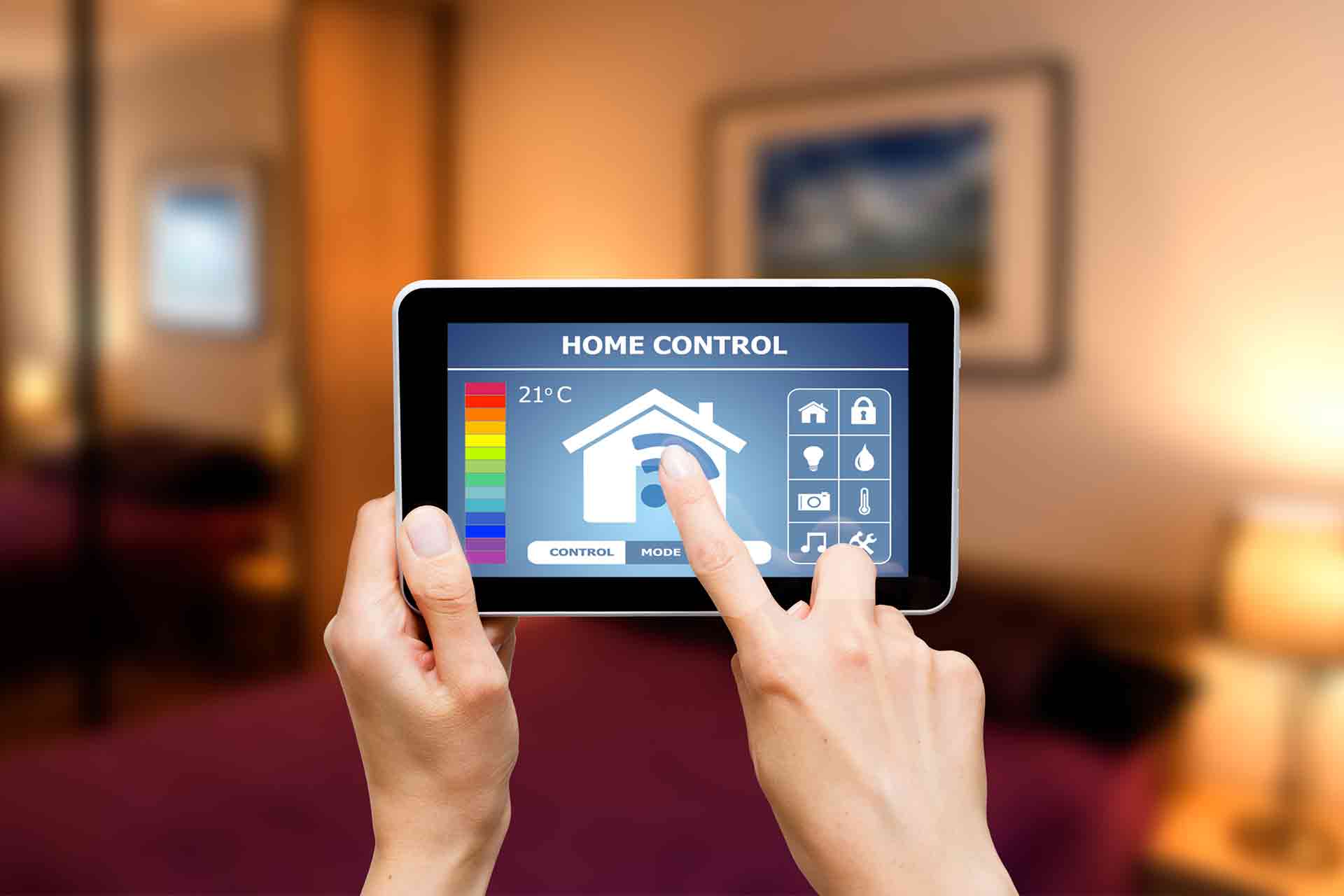
Ready to embrace the benefits of a smart home? Read our guide to help you plan your smart home from start to finish.
Disadvantages of a smart lock:
Reliance on technology: A flat battery, a lost phone or a connection problem can make it harder to get in, so keep a backup key or access method
Higher cost: They usually cost more than a standard lock
Cyber security: As with any connected device, your account and lock need protecting
Maintenance: Batteries need replacing and software needs updating
Overall, a smart lock can add convenience and, if it meets the right security standard, strong protection. But always weigh up the pros and cons before you buy.
How to keep your smart lock secure
A few habits make a big difference, in line with National Cyber Security Centre advice for smart devices:
Install software and firmware updates, and switch on automatic updates if the option is available
Turn on two-step verification for the lock's app and account if it is offered
Change any default password, and use a strong, unique one (for example, three random words)
Avoid easy-to-guess keypad codes, and remove codes for people who no longer need access

What is lock snapping and how can I prevent it?
Lock snapping is a common way for burglars to break into properties. And worse, it requires zero skill. Here, we’ll explain exactly what lock snapping is and how you can prevent it.
Smart lock installation: when to hire a professional
Hiring a locksmith is worth considering if:
Your door is uPVC, composite or glazed and you are not sure which lock fits
The lock needs hardwiring or other electrical work
You need the lock to meet an insurance requirement
You are replacing several locks
You simply want the job done and the lock tested properly
A professional can recommend a lock suited to your door, fit it correctly and help make sure it works with your insurance.
Browse checked locksmiths covering your local area
Enter your postcode to find a top tradesperson near you
East London Locksmith LTD
10.00
(44 reviews)Services & skills
LocksmithDigital Smart Door Lock InstallationDoors Opened / UnlockedEmergency Locksmith ServiceSnap LocksEMERGENCY PRO LOCKSMITH 24-7 LTD
10.00
(9 reviews)Services & skills
LocksmithDigital Smart Door Lock InstallationLock RepairLock FittingSecurity Door LocksNear Me Locksmiths
10.00
(338 reviews)Services & skills
LocksmithDigital Smart Door Lock InstallationDoors Opened / UnlockedEmergency Locksmith ServiceLock FittingLondon Lock & Door Locksmiths
10.00
(11 reviews)Services & skills
LocksmithDigital Smart Door Lock InstallationWindow Lock FittingDoors Opened / UnlockedEmergency Locksmith ServiceGould I Locks
10.00
(81 reviews)Services & skills
LocksmithDigital Smart Door Lock InstallationSnap LocksWindow Lock FittingKey CuttingComplete Locksmith Services Ltd
10.00
(212 reviews)Services & skills
LocksmithDigital Smart Door Lock InstallationWindow Lock FittingLock FittingEmergency Locksmith Service


How much does professional smart lock installation cost?
Smart lock prices start at £63 for a basic keypad lock and reach around £210 for Z-Wave.
That said, the final price depends on the keyless door lock you choose, your door and the type of installation.
Our smart locks cost guide explains what to expect, and our locksmith prices guide covers wider locksmith work.

How much do smart locks cost in 2026?
If you're looking for a way to keep your home safe using the latest technology, a smart lock system could be the answer. Smart lock installation will transform your home security by swapping traditional keys for keyless entry. In this smart locks cost guide, we'll look at the average cost of keyless entry systems for your home.
Or use our cost calculator below for a quick estimate.
Job Estimate Calculator

Preparing for your smart lock installation

Smart lock installation checklist
Smart locks often sit alongside other home security upgrades. A locksmith can fit the lock, while our home security hub covers alarms and CCTV.
FAQs
Many smart locks are designed for DIY fitting if you are comfortable with basic tools and following instructions. Choose a model that suits your door type, follow the manufacturer's guide exactly and keep the old key until you have tested the new lock. If your door needs modification, the lock needs wiring, or you are unsure, hiring a locksmith is the safer bet.
Like any connected device, a smart lock carries some risk, but you can reduce it a lot. Keep the lock's software up to date, use a strong unique password with two-step verification where offered, and avoid obvious keypad codes. Choosing a reputable brand that issues regular updates also helps.
Many smart locks keep working locally, for example, via keypad, Bluetooth or a physical key, if your wifi drops, but remote features stop until it is back. Most give a low battery warning before they run out, and many have a key or emergency power backup. Check your model's manual so you know what to do.
Insurers often require locks on external doors to meet BS 3621 or an equivalent standard, and not every smart lock meets it. Check your policy wording and confirm with your insurer before you fit one.
For many households, installing a smart lock is a game changer. They suit people who share a home with others, have regular visitors or tradespeople, or want to stop carrying keys. The trade-offs are the higher cost and the need to look after batteries and software.
How you disable a smart lock depends on the make and model, so check the manufacturer's instructions first. You may be able to do this through the app, using a physical button or switch, or by resetting the lock. Avoid simply removing the batteries, as this may leave you unable to operate the lock without a key or backup power source.
More Digital Smart Door Lock Installation Articles


See the tradespeople we've checked for your job